
The Securitest affiliate space is an online platform reserved for the technical inspection centers of the Securitest network, developed by the SGS group. Access is based on an identifier linked to the physical center, rather than to an individual: each user account derives from the center number, which determines the access rights of the entire team.
Center Identifier and User Account Management on Securitest
The first particularity to understand before any attempt to connect concerns the structure of the identifiers. Unlike many professional platforms where each employee has an independent login/password pair, the Securitest affiliate space operates with a identifier linked to the physical center. Each user account created for an inspector or manager is derived from this center number.
This architecture has a direct consequence on security. When an employee leaves the center, their account must be deactivated without delay. A former employee who retains active access could view customer data, approvals, or technical inspection reports. Deactivation is the responsibility of the center manager, from the administration interface of the affiliate space.
For centers employing multiple inspectors, it is therefore useful to maintain an internal register of active accounts and to regularly check that only current employees have access. A detailed tutorial explains how to log in to the Securitest affiliate space by following each step, from entering the center identifier to navigating the dashboard.

Technical Prerequisites Before First Login to the Affiliate Space
Competing articles describe the login procedure as a formality but overlook a common obstacle: the compatibility of the workstation with the platform. The affiliate space is accessible via a dedicated subdomain (ea.securitest.org), and its interface relies on scripts that may be blocked by certain configurations.
Before granting access to an entire team, three checks must be performed on each workstation:
- The browser must be up to date. Outdated versions of Internet Explorer or Firefox ESR may prevent the correct display of menus and forms in the interface.
- Script blockers or ad blockers must be disabled for the domain securitest.org, as they interfere with the loading of certain modules.
- The local network firewall must not block requests to the subdomain ea.securitest.org. In centers equipped with a corporate proxy, an exception must be configured.
Ignoring these prerequisites turns the first handling into a debugging session. Several field reports show that teams have lost several hours searching for a password issue when the login form simply did not display correctly.
Step-by-Step Login Procedure on ea.securitest.org
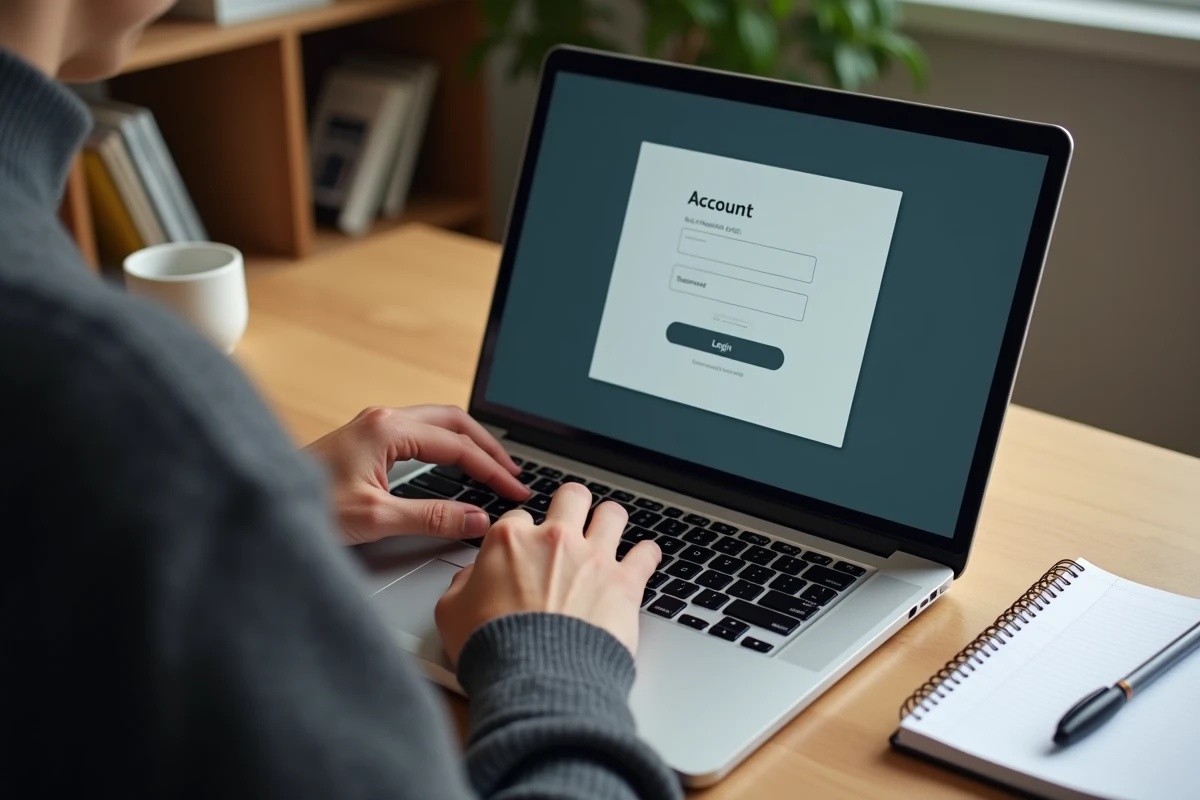
Once the workstation is prepared, the login follows a precise sequence. Open the browser and enter the address ea.securitest.org in the URL bar. The homepage displays two fields: one for the center number, the other for the user password.
The center number is provided during affiliation with the Securitest network. The initial password is usually sent via secure mail or by the SGS network contact. After the first login, the platform requires a password change.
What to Do in Case of Account Lockout
After several unsuccessful attempts, the account may be temporarily locked. The reset procedure goes through the technical support of the network, accessible from the login page. The unlocking time depends on the chosen contact method (phone or online form).
A often overlooked point: the lockout concerns the user account, not the entire center. Other employees of the same center retain their access during the unlocking procedure, thanks to the separation of derived accounts.
Features Accessible After Logging into the Securitest Dashboard
The dashboard centralizes the daily management tools of the technical inspection center. Three categories of features structure the interface:
- Appointment and scheduling management, with an online appointment system visible to motorists on the public Securitest site.
- Access to regulatory resources updated by the network, including alerts on regulatory developments in technical inspections.
- Monitoring the center’s performance: number of inspections carried out, re-inspection rates, comparative statistics with the national network.
The platform also integrates a continuing education module. Inspectors can follow upgrade courses directly from the affiliate space, simplifying the tracking of mandatory training hours.
Data Security and Compliance
The affiliate space processes personal data of clients (registrations, contact details, inspection history). The management of access rights by user profile allows restricting the visibility of certain information according to the employee’s role. An inspector does not necessarily have access to the same data as an administrative manager.
This granularity of rights enhances the center’s compliance with data protection requirements while limiting risks in case of compromise of an individual account.
Logging into the Securitest affiliate space is not just about entering an identifier and a password. The center-based structure, the technical browser constraints, and the rigorous management of user accounts condition a smooth adoption of the platform. A center that prepares its workstations and keeps its access register up to date avoids most of the reported blockages in the field.